Point of Sale (POS) Systems
★★★★★ 5.0  ·  Matched to your business, not forced on it

With the right POS,
business gets simpler

Your business isn't cookie-cutter and your POS system shouldn't be either. We match the right point of sale system to how you actually operate — restaurant, retail, mobile, multi-location, or specialty — with local setup, training, and support.

Free consult · On-site setup & training · No predatory leases
25+ POS systems Local setup & training No bundled lock-ins Real human support
25+
POS Systems Supported
250+
Tampa Bay Merchants
24hr
Next-Day Funding
5.0★
Google Rating
Scroll
POS Solutions

You have POS problems. We have the solutions.

At Tampa Bay Pay, we know your business isn't one-size-fits-all. That's why we offer a powerful lineup of customizable POS hardware and software solutions tailored to your operation. Whether you manage a high-volume retail store, a busy restaurant, a fast-paced café, a food truck, or a service business that needs flexible payment tools, we help you work smarter, move faster, and run more efficiently.

Come to Tampa Bay Pay first.

With more than 25 supported POS options, we don't force your business into one rigid system. We fit the system to your business — not the other way around. You don't need to guess which platform is right. That's our job.

Why Businesses Choose Tampa Bay Pay

Local guidance, better setup, and support after the sale

  • Custom recommendations based on your business model
  • Hardware, software, and payment processing under one roof
  • Hands-on local setup, training, and support
  • Restaurant, retail, service, and mobile-friendly options
  • Solutions that scale as your business grows
  • Real guidance instead of being pushed into a generic system
The POS Lock-In Problem

Most POS shopping turns into a processing trap.

Big-brand POS platforms bundle their own payment processing — and lock you into it. You start by picking a "great" POS, end up paying 3.5% on every transaction, and find out switching processors means switching POS, too. The math gets worse every year.

Here's how the common options stack up against picking your POS and processor separately.

Square POS
Bundled flat-rate · 2.6%+ · Processor locked to Square
Locked in
Toast (restaurants)
$69-$165/mo + processing · Multi-year contracts common
Expensive
Lightspeed Retail
$89-$199/mo + processing · Processor locked
Locked in
Cash register / DIY iPad app
Cheap upfront · No inventory, no integrations, no growth
Outdated
Tampa Bay Pay POS
Right system for your business + your processor + local setup & support
Built right
Supported Platforms

Some of the POS brands and tools we work with

We work with a range of modern POS platforms so we can recommend what actually fits your business instead of pushing one system for everyone.

Clover
Dejavoo
FigurePOS
SwipeSimple
UnionPOS
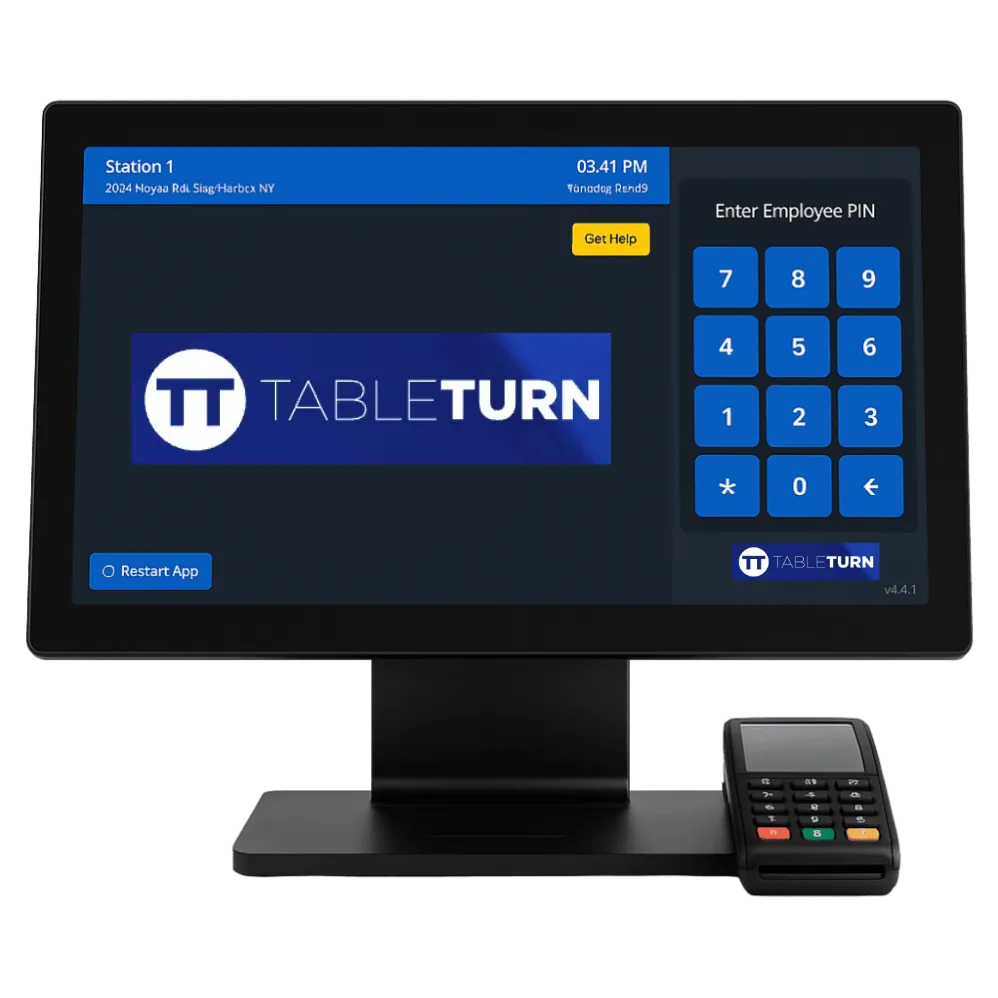
TableTurn
The Lineup
Eight POS systems
we know inside out
Each one fits a different operation. Here's the quick read on which is right for what — and why.
1 / 8
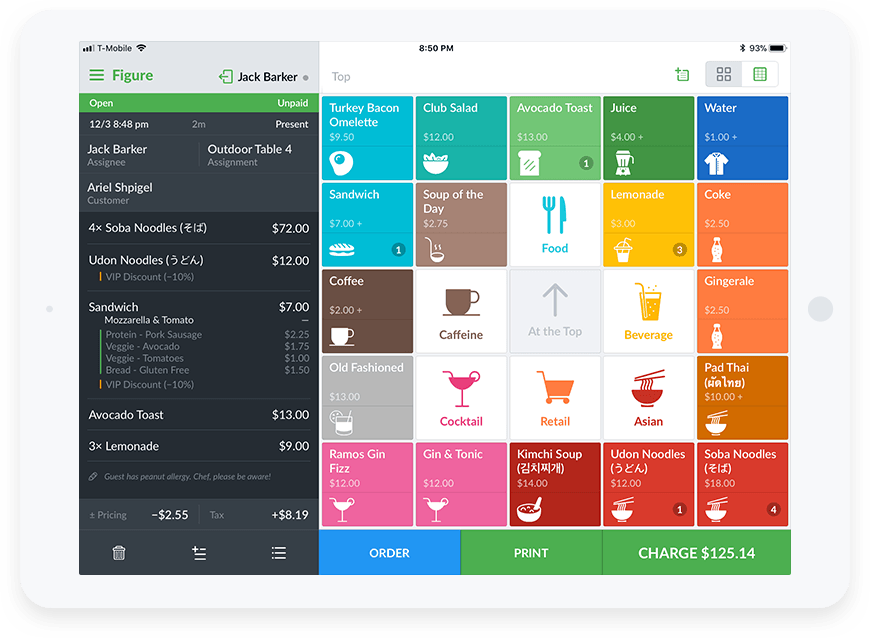
FigurePOSRestaurant
⭐ Most Popular · Restaurants
Table 12 · Order #4218
2× Margherita Pizza$36.00
1× Caesar Salad$14.00
Total$54.32
SENT TO KITCHEN · 7:42PM
FigurePOS — Built for Restaurants
FigurePOS
Our top pick for restaurants
Built specifically for restaurants — pizza shops, delis, quick-service, cafes. Modifier-friendly menus, kitchen printer integration, caller ID, and a clean interface that staff actually pick up fast. Joto's Pizza (52-year family business) upgraded to FigurePOS through us and says staff learn it without extensive training. It's the system we deploy most often in Tampa Bay food service.
  • Restaurant-first design: modifiers, splits, kitchen routing
  • Caller ID integration for phone-order pizza shops
  • Customizable menus per concept or location
  • Front-of-house and back-of-house coordination
  • Staff training typically completes in a single shift
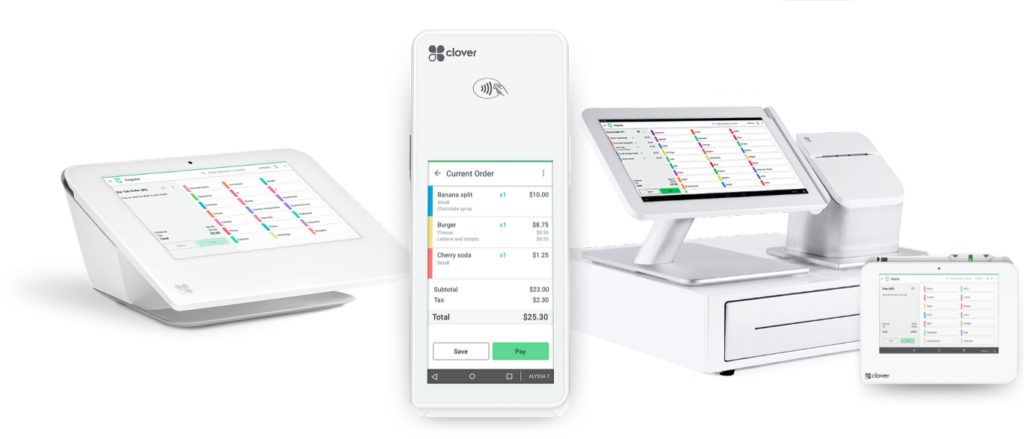
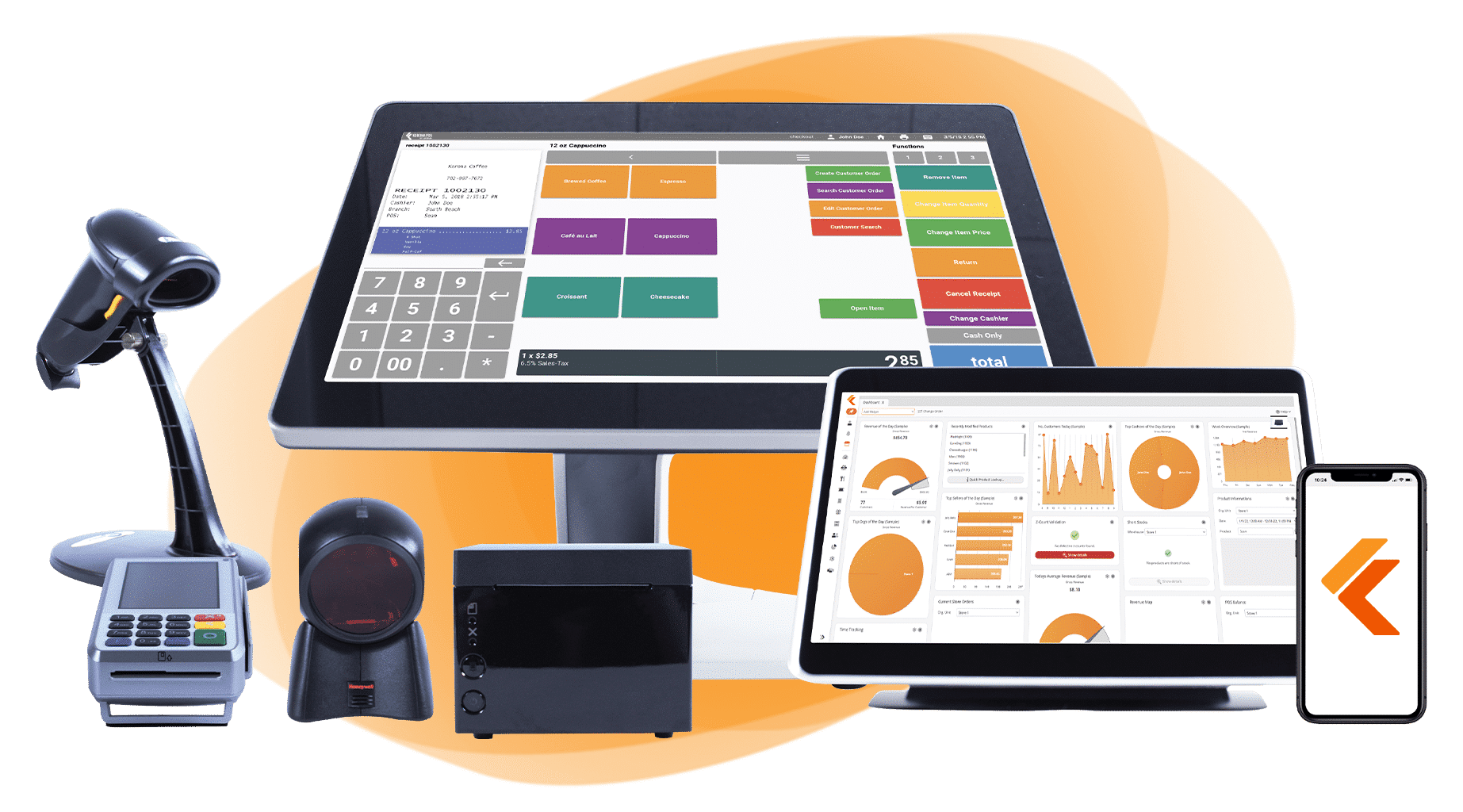
Clover StationAll-in-One
Counter Workhorse
CLOVER
Touch · Print · Scan · Cash Drawer
Clover Station — Full Counter Setup
Clover Station & Solo
The all-in-one counter for retail & service
Clover Station is the flagship all-in-one POS — large touchscreen, built-in receipt printer, customer-facing display, scanner, cash drawer. Best for full counter setups in retail, cafes, salons, and service businesses that want one polished hardware unit handling everything. Clover Solo is the next-gen version with a cleaner profile.
  • 14" touchscreen plus customer-facing display
  • Built-in receipt printer and barcode scanner
  • Cash drawer, weight scale, kitchen printer compatible
  • Massive app marketplace for industry-specific add-ons
  • Best for retail, cafes, salons, and quick-service food
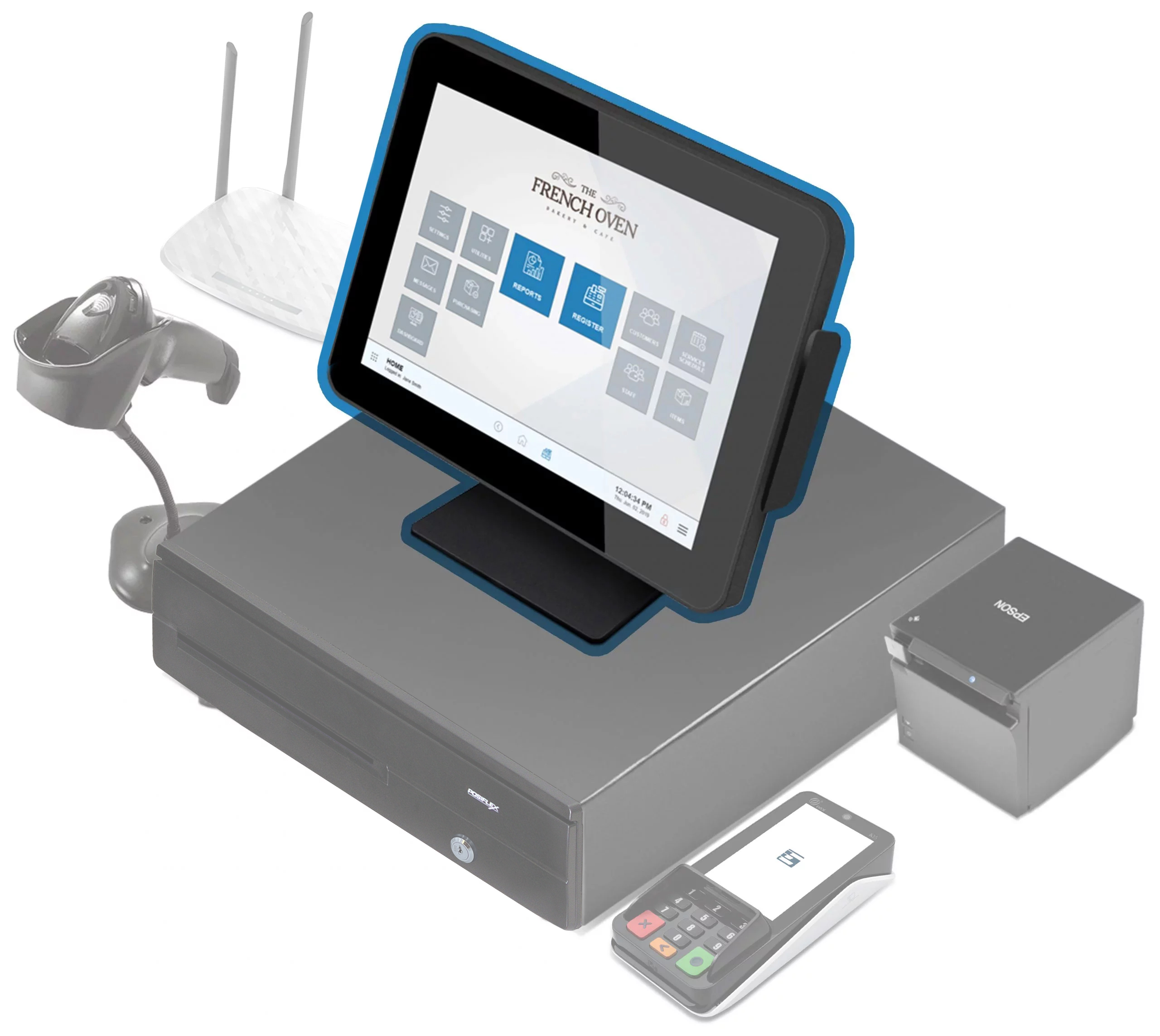
Clover MiniCompact
Boutique Favorite
$47.00
8" Touchscreen · NFC · EMV
Clover Mini — Compact Counter
Clover Mini
Small footprint. Full POS power.
Clover's compact countertop unit — same Clover ecosystem and software as Station, with a smaller form factor. Best for boutiques, small retail, food trucks, mobile pop-ups, and any business where counter space is tight or where the customer should see the screen. NFC, EMV, magstripe, receipt printer all built in.
  • 8" touchscreen — small footprint, full functionality
  • NFC tap, EMV chip, magstripe, and barcode scanner
  • Built-in receipt printer
  • Same Clover apps as Station — full ecosystem access
  • Best for boutiques, food trucks, mobile retail, salons
Clover FlexHandheld
Tableside · Mobile
FLEX
5" Handheld · 4G · Receipt Printer
Clover Flex — Move with the Customer
Clover Flex
Tableside payments. Field crews. Pay anywhere.
Clover's handheld version — 5-inch touchscreen, 4G cellular plus WiFi, built-in receipt printer. Tableside service in restaurants, line-busting in retail, field crews collecting at the job site. Same Clover ecosystem as Station and Mini, so inventory and reporting sync across devices automatically.
  • 5" Android touchscreen with built-in receipt printer
  • 4G LTE cellular plus WiFi — works anywhere
  • EMV chip, NFC tap, magstripe, barcode scanner
  • Syncs with Clover Station / Mini in same ecosystem
  • Best for tableside dining, mobile retail, field service
SwipeSimpleMobile App
Lowest-Cost Entry
SwipeSimple App
$247.50 ✓ APPROVED
SWIPE · TAP · KEY · TEXT-TO-PAY
SwipeSimple — Any Phone, Any Tablet
SwipeSimple
App-based mobile POS. Free swiper included.
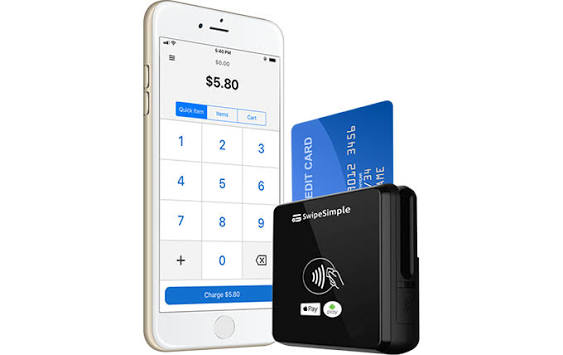
App-based payments on any iPhone, Android, or tablet. Free swiper attachment included. Customers can be charged with a swipe, tap, manual entry, or text-to-pay link. Most flexible option in the lineup — zero fixed hardware investment, works wherever you and your phone go. Best for mobile-first businesses, contractors, food trucks, and pop-up sellers.
  • Free mobile swiper attachment
  • Works on any iPhone, iPad, or Android device
  • Swipe, tap, key in, or text-to-pay from one app
  • Customer management and reporting built in
  • Same rate as your counter processing
UnionPOSMulti-Location
Enterprise-Grade
Multi-Location Dashboard
ST PETE
$2.4K
TAMPA
$3.1K
LARGO
$1.8K
UNIFIED · REAL-TIME · OWNER VIEW
UnionPOS — One Dashboard, All Locations
UnionPOS
When one location becomes three
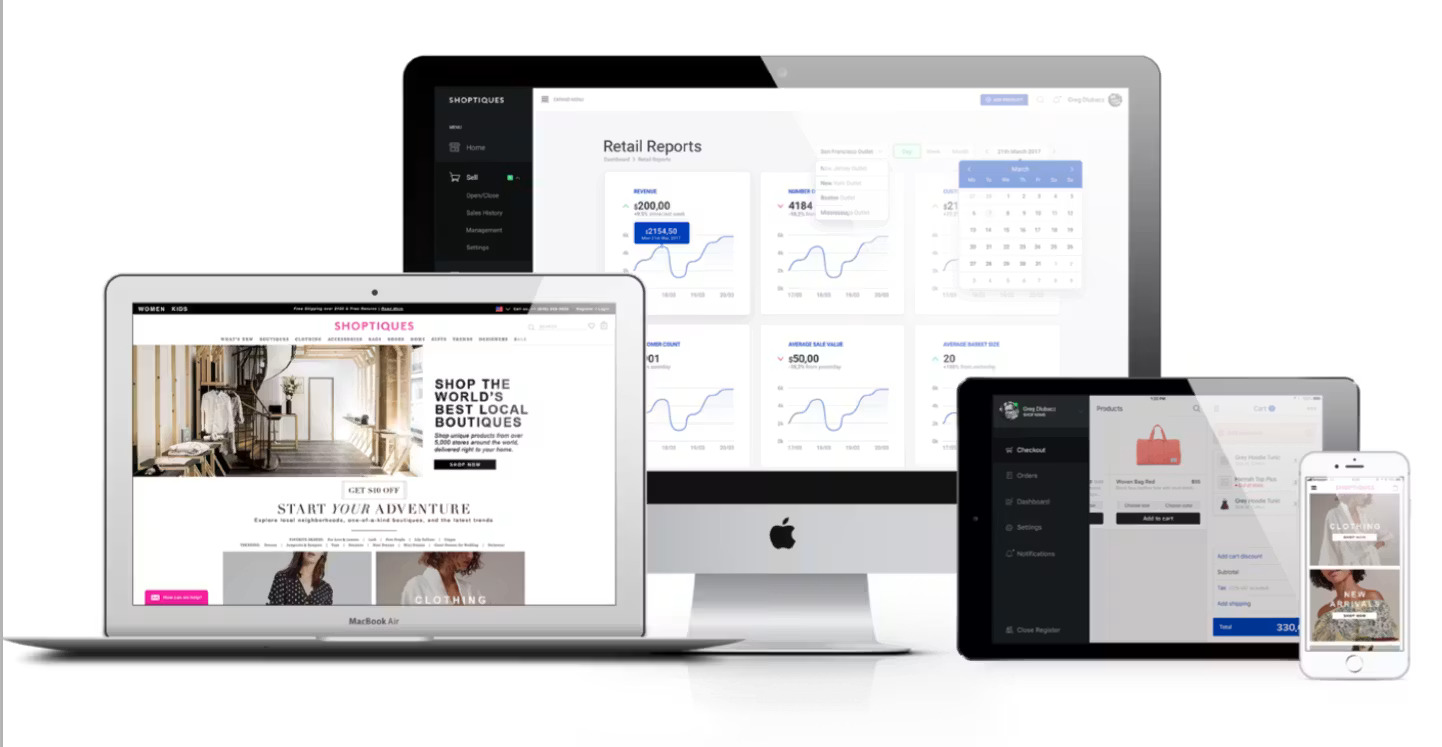
UnionPOS is built for businesses running multiple locations — multi-store retail, restaurant groups, franchise operations. Unified reporting across all locations from a single owner dashboard, centralized menu/inventory management, role-based staff permissions, and the kind of enterprise-grade backend that keeps multi-location ownership from becoming chaos.
  • Unified owner dashboard across all locations
  • Centralized menu, pricing, and inventory management
  • Role-based permissions for managers and staff
  • Real-time sales reporting by location, server, or item
  • Best for restaurant groups, franchises, multi-store retail
TableTurnFull-Service
Sit-Down Dining
Floor View · 18 Tables
1
2
3
4
5
6
7
8
9
10
11
12
TableTurn — Full-Service Floor View
TableTurn
Built for full-service dining
Full-service restaurants run differently than quick-service — tables to manage, servers to track, split checks, course-firing, course timing, table status, and the dance of getting food out at the right moment. TableTurn is purpose-built for that environment. Floor-plan view, server workflows, split-check handling, course management, and the operational depth fine dining and casual full-service need.
  • Visual floor plan with live table status
  • Server workflows with section assignments
  • Split checks, course firing, coursing controls
  • Tableside ordering on handheld devices
  • Best for full-service restaurants, fine dining, gastropubs
DejavooTerminals
Z11 · P1 · QD
Z11
P1
Dejavoo — Counter & Handheld Terminals
Dejavoo Terminals
Smart payment terminals — no app required
When you don't need a full POS — just reliable payment acceptance with a smart terminal — Dejavoo is the workhorse. The Z11 sits on the counter, the P1 fits in a pocket, the QD line offers larger touchscreens. All paired with the iPosPays gateway for processing, reporting, and reconciliation. Best for service businesses, contractors, and merchants whose POS doesn't need to be the whole business.
  • Z11 counter terminal — touchscreen, receipt printer
  • P1 compact handheld for field crews
  • QD Series larger touchscreen for higher-volume use
  • EMV chip, NFC tap, magstripe on every model
  • iPosPays gateway included for reporting and reconciliation
Don't pick a POS off a website. The right system depends on your menu, your floor plan, your ticket count, your staff. Tell us how you operate; we'll match the system to the business.
Talk to a POS Specialist →
Built For

POS systems for the way your business actually works

We match the right system to the right workflow so you're not stuck with something your staff hates after week one.

🍴 Restaurants
☕ Cafés
🍔 Food Trucks
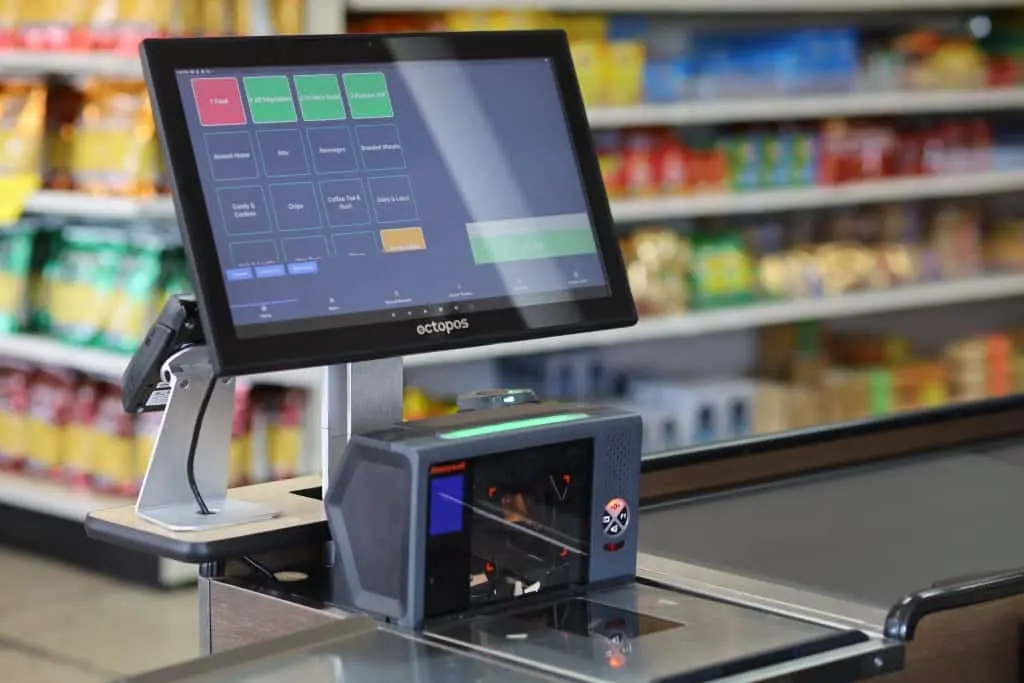
🛍️ Retail Stores
💼 Service Businesses
📦 Specialty Merchants
How Tampa Bay Pay Helps

We do more than just hand you hardware

Choosing the right POS system is only part of the job. We help businesses with setup, training, support, and making sure the payment side actually works smoothly too.

  • Hardware recommendations
  • Software fit and configuration
  • Payment processing integration
  • Menu and workflow planning
  • In-person team training
  • Ongoing local support
Video Overviews

Explore some of our featured POS platforms

A closer look at a few of the platforms we most commonly discuss with merchants.

Clover

FigurePOS

SwipeSimple

Frequently Asked Questions

POS systems — answered

Which POS do you recommend for restaurants?
It depends on the restaurant type. For quick-service, pizza, deli, and counter-service spots, FigurePOS is our top pick — it's fast, modifier-friendly, and staff learn it without weeks of training. For full-service dining with tables, server workflows, and split checks, TableTurn is purpose-built for that environment. Clover Station works as a flexible middle-ground for cafes and food halls. We'll walk through your menu, ticket count, and floor plan before recommending.
Which POS do you recommend for retail?
Clover Mini is our most-deployed retail counter system — compact, modern, handles inventory and customer-facing display. For larger retail with multi-location reporting needs, UnionPOS is the better fit. For pop-ups, mobile retail, and boutiques that don't need a full counter station, SwipeSimple on an iPad or phone is a strong, low-cost option.
Can I keep my current POS and just switch processors?
Usually yes. Many POS systems are processor-agnostic — Clover, FigurePOS, UnionPOS, Dejavoo, SwipeSimple, and many others let you swap the processor underneath without changing your hardware or workflow. The big exceptions are bundled-processor systems like Toast, Square, Lightspeed, and Shopify POS, which lock you into their built-in processing. We'll be upfront about whether your current POS allows a processor swap.
How much does a POS system cost?
It varies. Mobile-only setups (SwipeSimple, Clover Go) can be effectively free for qualified merchants — you bring the device. Counter systems (Clover Mini, Clover Station) range from one-time hardware costs to bundled monthly programs. Full restaurant POS systems (FigurePOS, TableTurn) typically include hardware plus a software subscription. We provide actual pricing — no leasing tricks, no hidden monthly fees — before you commit.
Will I need new hardware?
Not always. If your current hardware is compatible with the POS we're recommending, we'll use what you have. If your hardware is outdated or doesn't support modern requirements (EMV chip, NFC tap, PCI standards), we'll recommend the right replacement. We never sell hardware you don't need.
Do you train my staff on the new POS?
Yes. In-person staff training is included with every POS implementation. We come on-site, set up the menu/inventory/workflow, walk your team through operations, and stick around to answer questions. For multi-shift teams, we typically train each shift separately so everyone gets hands-on time.
What if I outgrow my current POS?
That's a good problem to have, and we'll help you migrate. We've moved merchants from Square to FigurePOS as they grew past Square's limits, from basic Clover to UnionPOS as they opened second locations, and from cash-only registers into modern POS as their business modernized. We handle the data migration and the parallel-run setup so you're not flying blind during the switch.
Are there monthly software fees?
Depends on the system. Some POS platforms (FigurePOS, TableTurn, UnionPOS) include software subscriptions because they're full-featured restaurant or multi-location systems. Others (Clover, Dejavoo terminals, SwipeSimple basic) have minimal or no recurring software fees beyond your merchant account. We disclose all software costs upfront — never buried in the statement.
⭐⭐⭐⭐⭐
The highest-rated payment solutions team in Tampa Bay
157+ five-star Google reviews · 172 total across platforms
See What You'd Save →
Related Solutions

Pairs well with

Apply Today · Start Processing Faster
Start accepting payments with the right POS system
We'll help you choose the right setup, simplify your operations, and make sure your payment system actually works for your business instead of against it.
Call or Text: (727) 732-3292  ·  [email protected]  ·  By Appointment Only
Real Merchants · Real Results

What Our Clients Are Saying

Tampa Bay businesses share their experience working with Tampa Bay Pay — from setup through ongoing support.

Joto's Pizza
Jodi Whitcomb, Owner  ·  jotospizza.com
Family-owned for 52 years. Upgraded to FigurePOS — caller ID integration, customizable menus, and a system staff learn fast without extensive training.
Restaurant FigurePOS Seminole, FL
Florida Orange Groves Winery
Lance Shooks, Owner  ·  floridawine.com
When QuickBooks stopped processing credit cards, Tampa Bay Pay provided a seamless integration — keeping their existing QuickBooks setup without an expensive POS replacement.
Winery & Retail QuickBooks Integration St. Pete Beach, FL
Plumbing by Paul
Paul & Alycia Alves, Owners  ·  plumbingbypaulllc.com
Tampa Bay Pay goes beyond payment processing — always reachable by phone, text, or email, and a valuable partner for Google SEO, social media, and web support.
Plumbing & Trade Dual Pricing Tampa Bay, FL
Plumbing by Paul
Paul Alves  ·  plumbingbypaulllc.com
Previous provider had frequent errors and slow funding. New setup processes payments reliably in the field and at the office — with next-day funding that's critical for a small business.
Plumbing & Trade Next-Day Funding Mobile Payments
Wrenchmasters
Kenny Gehringer, Owner  ·  wrenchmastersauto.com
Previous processor only offered a 1-800 number. Switched for local support and streamlined technology — now sends invoices and processes tap-to-pay even when internet is spotty.
Auto Service Tampa Bay, FL
Google Reviews · Tampa Bay Pay

The Highest Rated Payment Team in Tampa Bay

Don't take our word for it — here's what local business owners say after switching to Tampa Bay Pay.

5.0
★★★★★
Google Rating
Verified Reviews